First-Party vs Third-Party Tracking
“First party” and “third party” describe who is interacting with you in the current site context, not whether the tracking is good or bad.
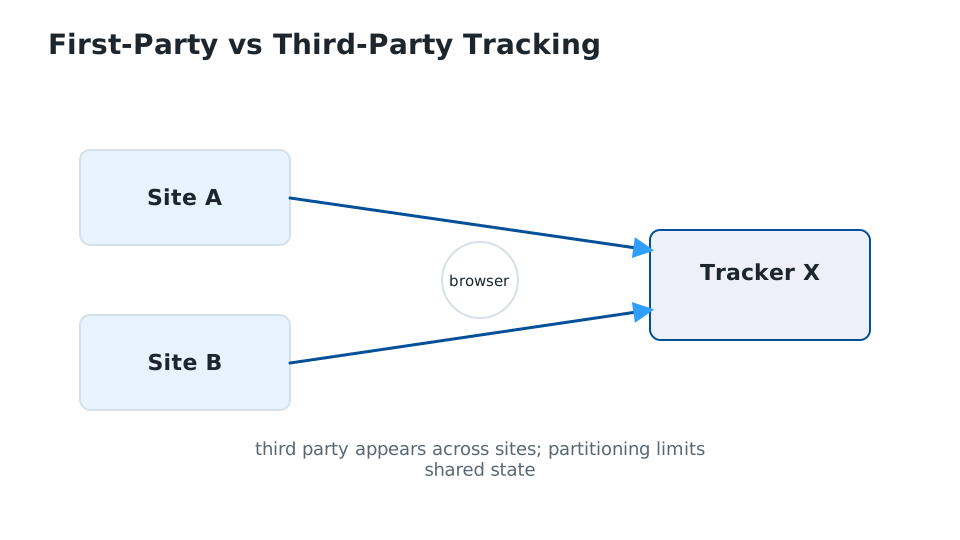
If you visit example.com:
- storage/scripts operated by
example.comin that context are first-party; - resources from another domain — advertising, analytics, embedded widgets, etc. — are third-party.
Historically, third-party cookies made cross-site tracking straightforward: the same advertising domain embedded on thousands of sites could recognize the same browser. Modern browsers increasingly block or partition third-party cookies/storage, reducing that particular technique.
But “third-party cookies blocked” does not mean “not tracked.” Sites and ad systems can still use:
- first-party identifiers and server-side data;
- logins and email/account linkage;
- URL parameters and link decoration;
- browser/device fingerprinting;
- IP/network information;
- data shared between companies outside the browser.
Likewise, first-party data can persist between visits even when you are logged out. A site can store cookies/local storage under its own domain or associate behavior with other identifiers.
Takeaway: Blocking third-party cookies closes one important tracking channel. It does not make the browser anonymous or stop the site you are visiting from remembering you.